Primary Logo
Our wordmark is drawn, not typeset. Round-ended strokes of one weight, and an E that runs straight into the M. It is the only logo we use, in every context.
The wordmark is how people recognize Nemo. Use the supplied files as they are, on the surfaces shown here, and give the mark room to breathe.
Our wordmark is drawn, not typeset. Round-ended strokes of one weight, and an E that runs straight into the M. It is the only logo we use, in every context.
The middle bar of the E stands apart from its letter at 55% strength. It is the one detail no other mark has, so it travels with the wordmark at every size.
For avatars, favicons and app tiles the wordmark sits centered on a green square. Keep the square flat. Platforms round the corners or crop it to a circle; both are fine.
Do not crowd the wordmark. Keep clear space on every side equal to the height of the N, marked x. Nothing enters that space: no text, no edges, no other marks.
Next to a partner, keep the same clear space on both logos and divide them with a 1px line as tall as the wordmark. Match the partner logo by visual weight, not by width.
The wordmark is black or white, nothing else. Green, cream and navy are surfaces it sits on, never colors it takes.
Over photos or product screens, pick the version with the stronger contrast, and move the mark to a calmer area before you reach for a scrim.
Do not alter the wordmark. Avoid the following.
Two typefaces carry the brand. Aeonik Pro sets every headline, Neue Haas sets everything people read. Keep headlines tight and paragraphs open, and stay on the scale below.
Aeonik Pro by CoType Foundry is our display face. Neue Haas Grotesk Display, licensed through Monotype, is our body face. Both are licensed, so they are not in this kit.
Aeonik Pro
Aa Bb Cc Dd Ee
&?!.0123456789
Headlines, display, large numbers
Neue Haas
Aa Bb Cc Dd Ee
&?!.0123456789
Body copy, labels, interface
Aeonik Pro comes in Light, Regular, Medium and Bold. We use Regular for section headings and Medium for display. Neue Haas runs at Regular for body and Medium for small labels.
One scale for every surface. Headings resize with the screen between a floor and a ceiling; body and labels stay fixed. Do not invent sizes between the steps.
Expect more.
How we work
Research before design
Product strategy
Almost all digital products are built to a low standard. Companies pay twice: once for the wrong thing, again to fix it.
New Cairo, Egypt
Section label
Headlines are set solid, leading equal to the type size. Tighter and the lines collide, looser and the headline falls apart into separate lines.
Expect more from digital products.
Expect more from digital products.
Expect more from digital products.
Body copy needs air. At 18px we set paragraphs at 165%, which keeps long reads calm without the lines drifting apart.
Almost all digital products are built to a low standard. Outdated patterns, thin research, no design thinking, none of the reliability the market now demands. Companies pay twice: once for the wrong thing, again to fix it.
Almost all digital products are built to a low standard. Outdated patterns, thin research, no design thinking, none of the reliability the market now demands. Companies pay twice: once for the wrong thing, again to fix it.
Almost all digital products are built to a low standard. Outdated patterns, thin research, no design thinking, none of the reliability the market now demands. Companies pay twice: once for the wrong thing, again to fix it.
Tracking tightens as type grows: -1% at 20px, down to -4% at 80px. Body copy stays at 0. Never track headlines open.
Expect more.
Expect more.
Expect more.
The scale in use, from display down to body, with the exact values for each step.
Expect more.
Expect more from digital products.
Built properly, the first time
Almost all digital products are built to a low standard. Outdated patterns, thin research, no design thinking, none of the reliability the market now demands. Companies pay twice: once for the wrong thing, again to fix it.
When our fonts are not available, in Google Docs, email, or slides on someone else's machine, use these free stand-ins. Never mix a stand-in with the real face.
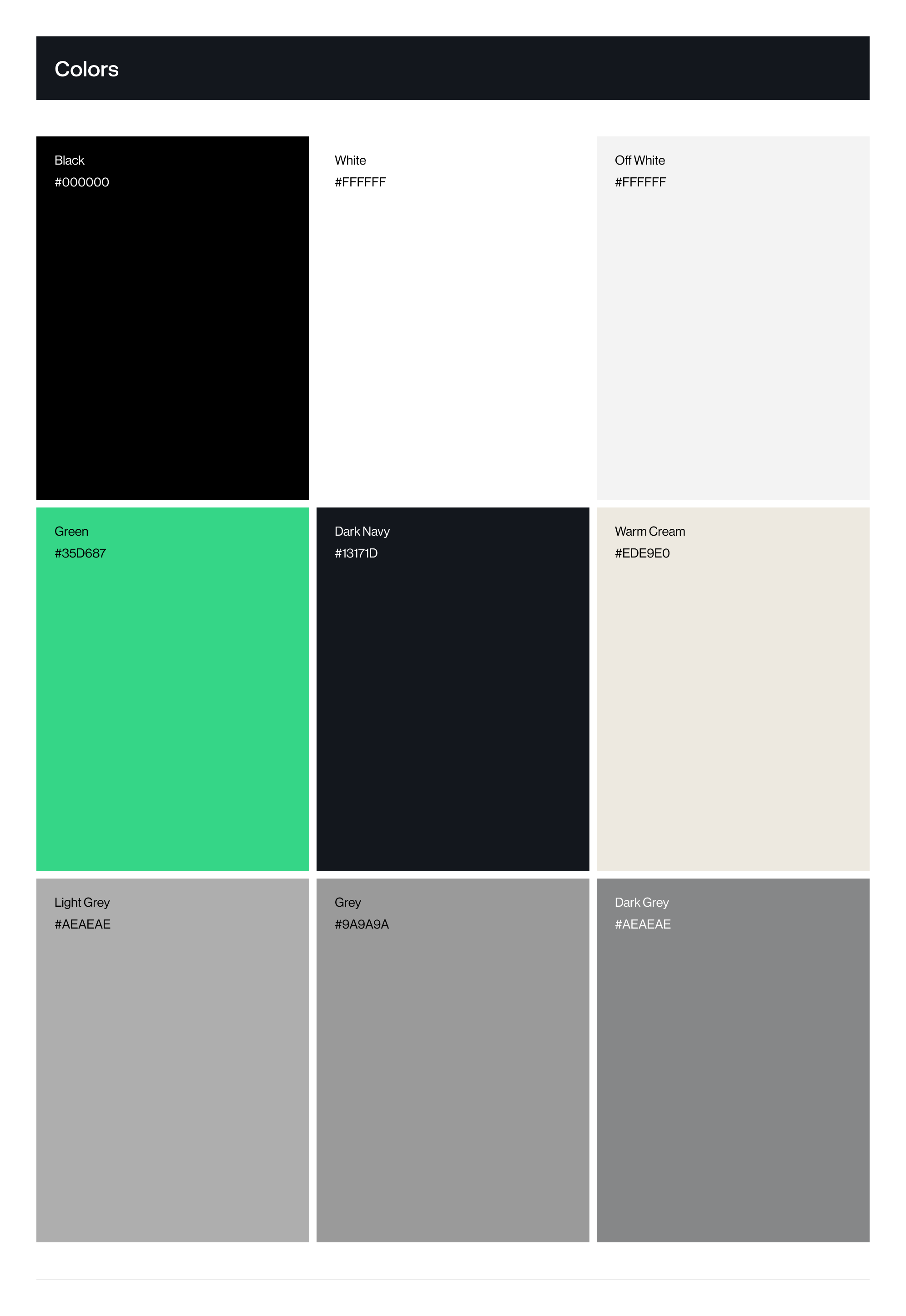
Nemo is mostly black and white. Green is the accent, kept for actions and highlights, so it means something every time it appears.
Four colors make the brand. Black and white do most of the work, dark navy gives depth, and green marks what matters. Click a HEX value to copy it.
CMYK values are approximate conversions for print. Ask us for print matches.
Supporting tones for surfaces, dividers and quiet detail. They sit behind the core palette and never replace it.
Check every pairing against WCAG 2 contrast. AA is the minimum, AAA is the aim. A pair that fails here never carries text. Large text means 24px and up.
Keep color flat, on palette and focused. Avoid the following.
Nemo uses very few icons. When one is needed, it is drawn the way the wordmark is drawn: one line weight, round ends, nothing filled.
Icons sit on a 24px grid with 2px padding on every side. Strokes are 1.5px with round caps and round joins, the same round terminal as the wordmark. No fills, no duotone.
Direction is shown by one arrow. In buttons it is the small right arrow inside the green chip, and it rolls through the chip on hover. In running text it is the plain → character.
Arrows in running text are typed, never drawn. See the work →
Every icon in a view shares the same grid, weight and ends. Draw new icons from this sample set, so a new one reads as part of the family.
Keep icons rare and plain. Avoid the following.
Our layouts are calm and structured. Text aligns left, space is generous, and every element sits on a column.
Start from a modular grid and leave more space than feels necessary. Headlines align left, never centered. Content lives inside a 1312px container.
Sections follow four spacing tiers. The default is asymmetric: a tight top and a generous bottom. Never use the same tier more than twice in a row.
Twelve columns. Page margins are 40px on desktop and 20px on mobile. Text blocks, images and cards start and end on a column edge.
Each format has its own column count and margin. Headlines start on the first column, and the wordmark sits in a corner inside the margin.
Headlines start on the first column.
Headlines start on the first column.
Headlines start on the first column.
Use three type sizes at most in one composition. Keep a strong jump between the headline and the body, so the order of reading is obvious.
Strong contrast between sizes.
Body copy stays small and quiet, so the headline does the work.
Strong contrast between sizes.
Body copy stays small and quiet.
Contrast
Strong contrast
between sizes,
spread over five
different steps
that compete.
Strong contrast between sizes.
Images align to columns and keep a fixed ratio for each context. Corners are 4px or square, never more.
Nemo has no gradients. We draw the eye with one highlight on a short phrase: a marker on the website, a block or a hand-drawn circle on social and ads.
On the website, a soft green marker sweeps in behind the key phrase as the line enters the screen. On dark surfaces the phrase turns green. On light surfaces it stays black, because green text fails contrast there.
Expect more from your next build.
Expect more from your next build.
On social posts and ads, a solid green block sits behind the key phrase, with black text on it. It reads at a glance in a busy feed.
The default isn't good enough.
The default isn't good enough.
For a single word, draw a loose green circle around it. The line overshoots where it closes, so it looks drawn by hand. One word only.
We raise the standard.
We raise the standard.
One highlight per composition, on a short phrase of two to four words, never a full sentence. The website uses the marker. Social and ads use the block or the circle.
Never combine two highlight types in one view. Avoid the following.
The default isn't good enough, so we raise the standard.
Expect more from your next build.
The default isn't good enough.
The default isn't good enough.
Our images are proof of work. Every one is a real capture of a product or site we built, shown as it runs. A showcase uses three kinds: a still capture, a device mockup and a creative layout.
A still shot is a clean capture of a real screen. Capture the live product at full resolution, crop it to the frame, and never redraw or retouch what is on it.
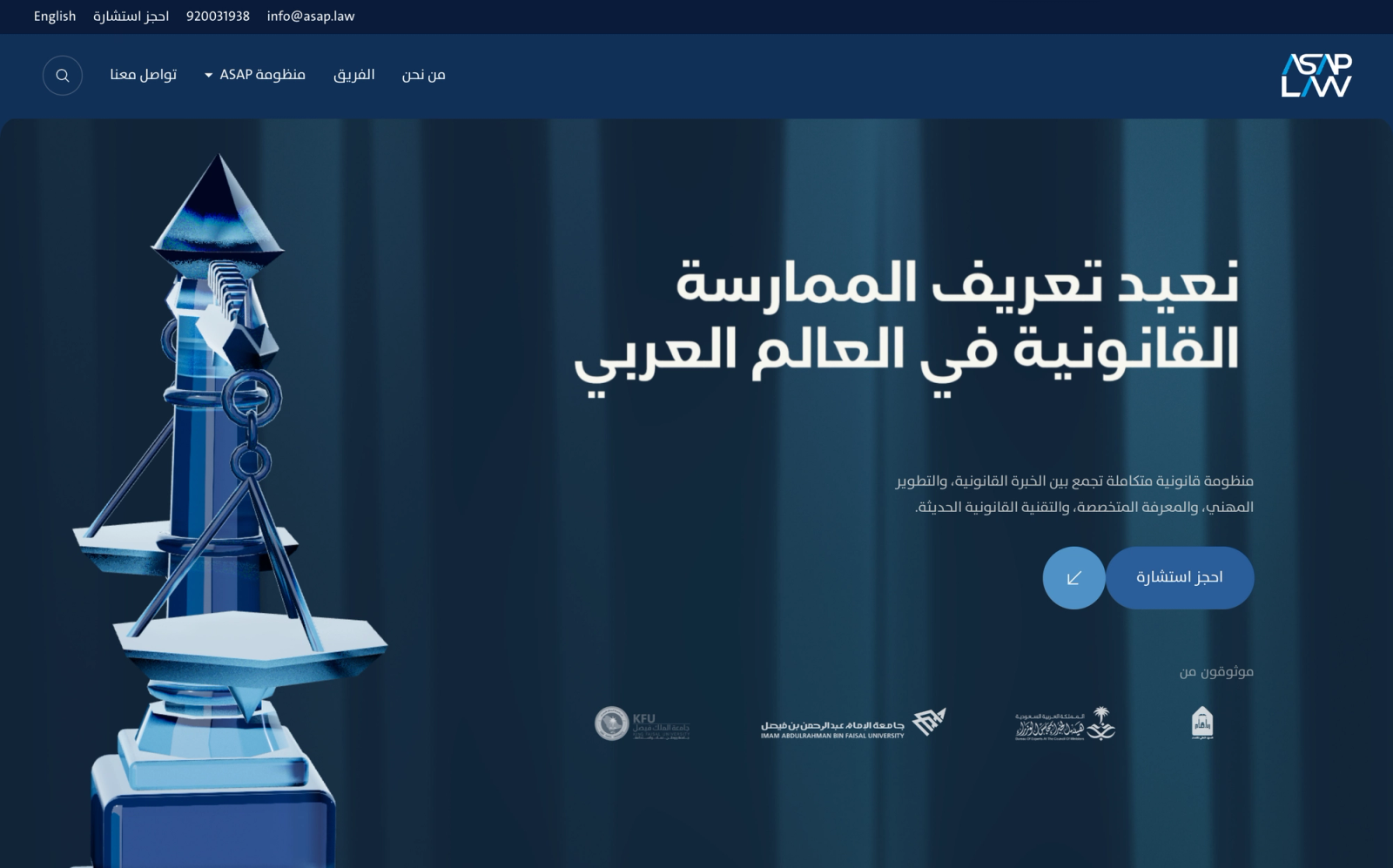
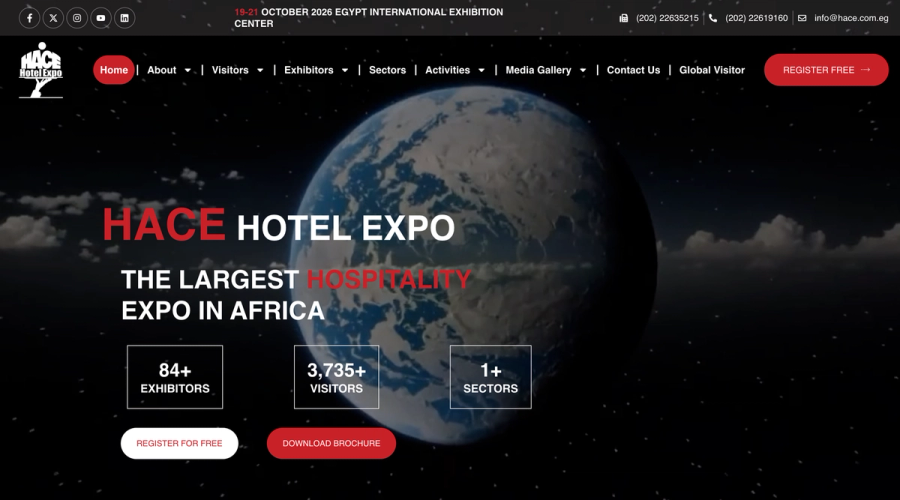
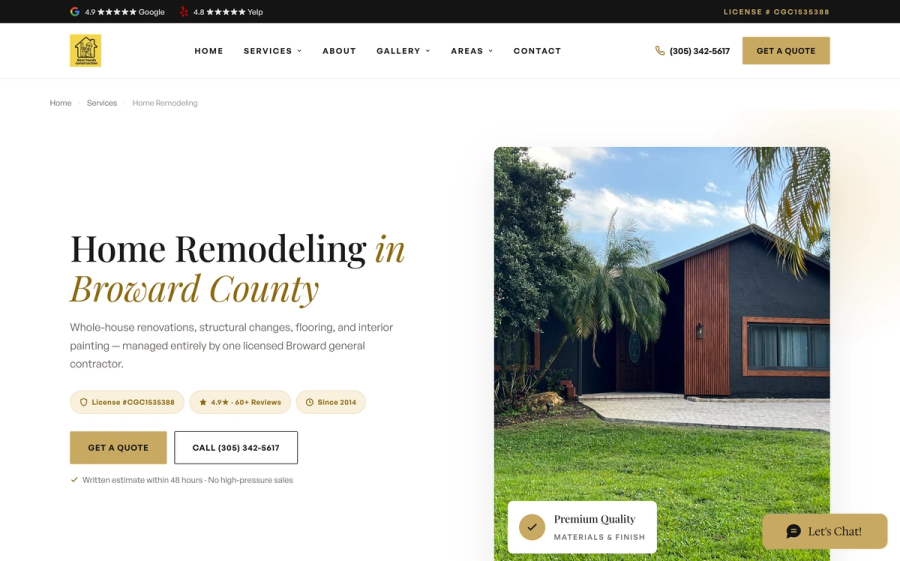
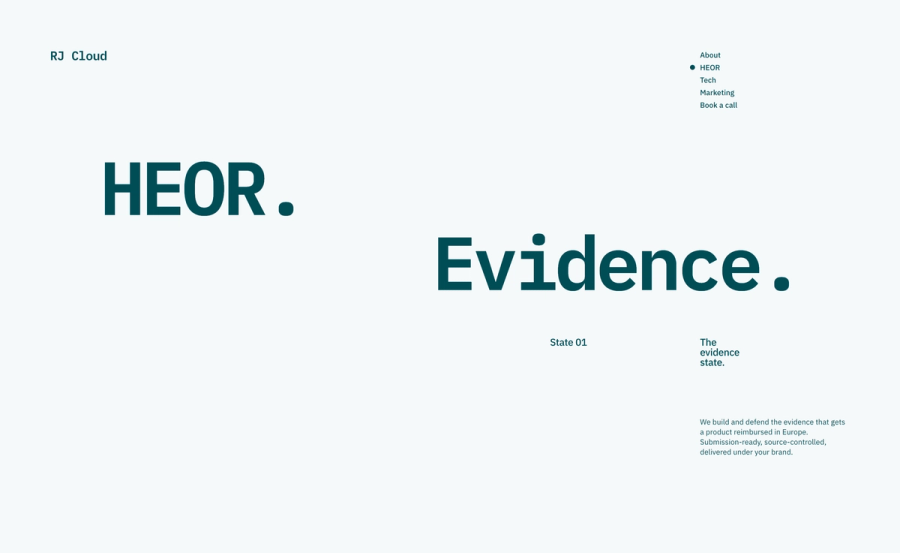
A frame shows where the product lives. Put the real capture inside a plain laptop or phone and keep the frame black. One product per composition, on both devices.
Corners stay concentric. The screen radius is the frame radius minus the bezel, so the two curves share one center and the bezel stays even all the way round.
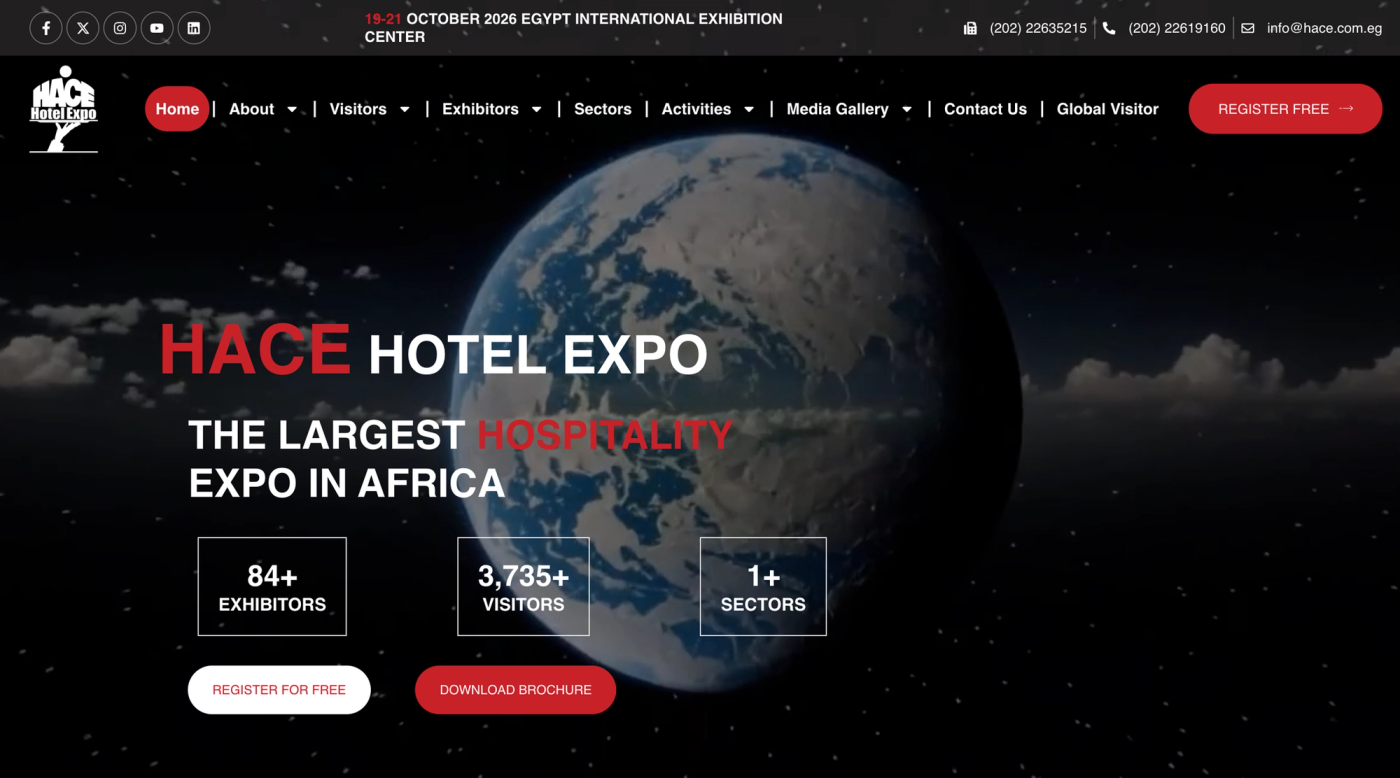
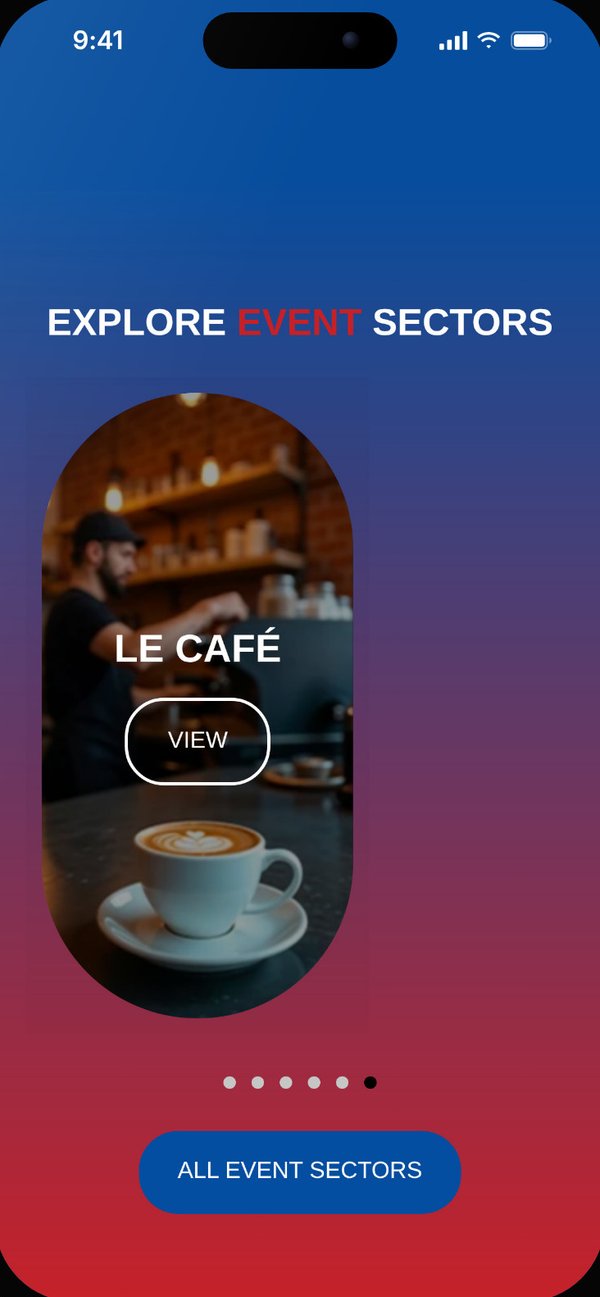
A creative layout arranges one or more screens on a background drawn from the product's own palette. A palette strip or type panel can join them. Text is rare: the screens carry the message.
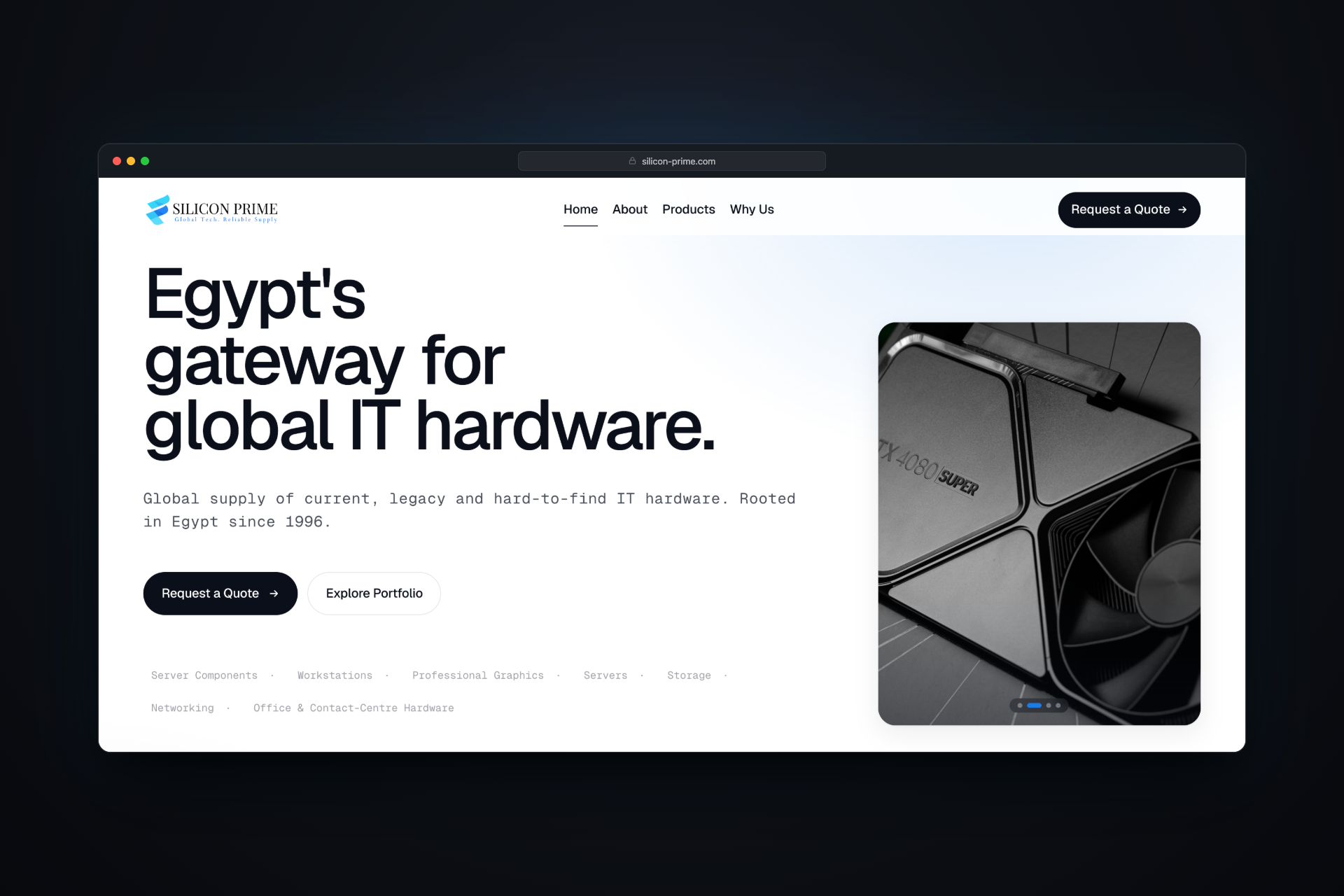
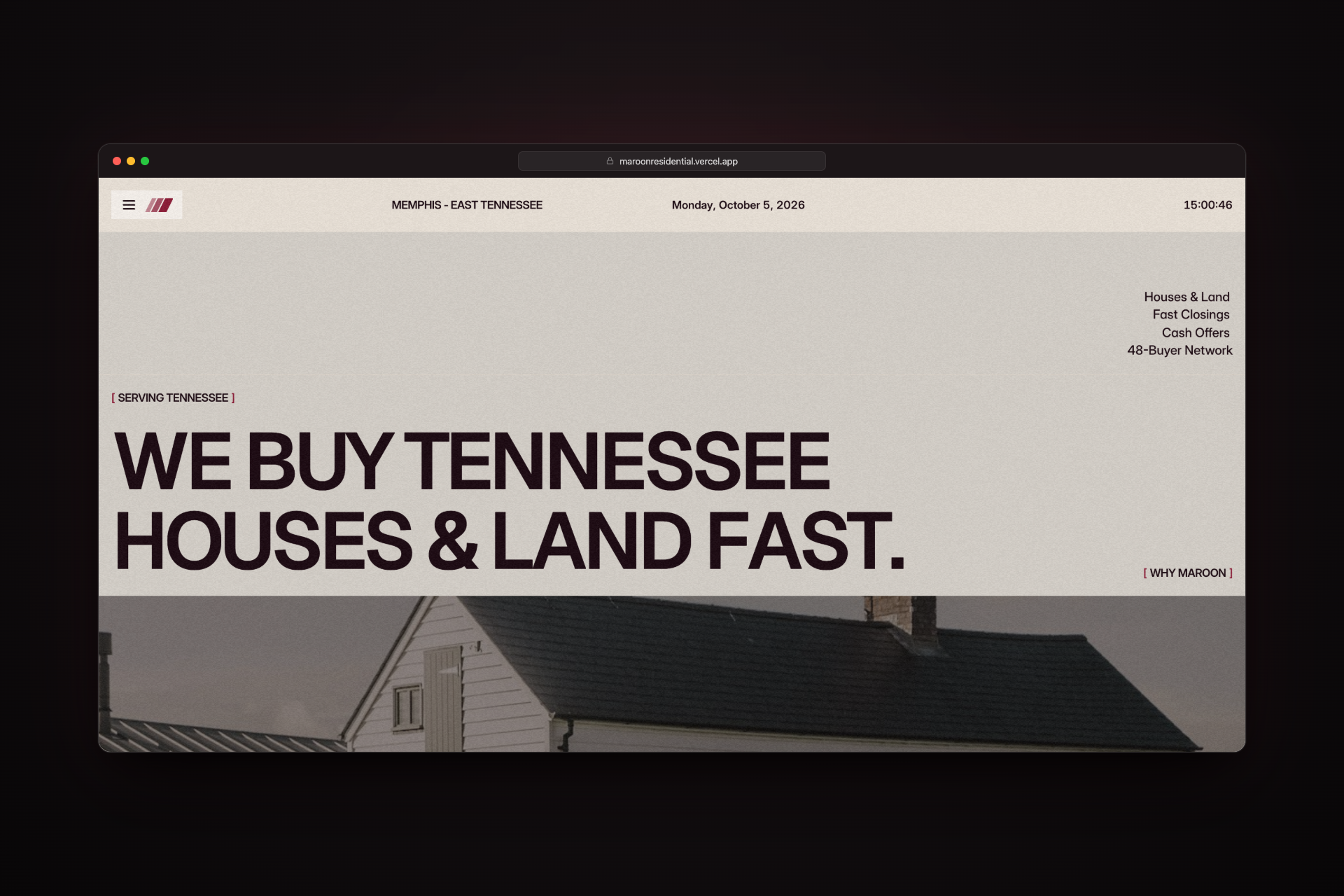
If it is not our work, it is not in our imagery. Leave out anything that could pass for someone else's product, or that puts people ahead of the product.
For press, partnerships or questions about these guidelines, write to us and include where the work will appear.
When you describe Nemo, use this paragraph as written.
Nemo is a custom technology studio in Cairo and Istanbul. We design and build premium digital experiences, from online presence to internal operations, for companies whose business runs on their software.
The facts to check a story against.